PayPeek
AI Agent for Salary Intelligence
Brand mark, favicon exports, Chrome Web Store listing assets, and social media banners. The card below exports a 512×512 PNG.
.png)
PayPeek mark
Ghost mascot on dark field — use for product UI, slides, and social avatars.
Favicon & app icons
Export PNGs at common sizes for /favicon.ico pipelines, site.webmanifest, and Apple touch. Source art is the same raster mark as /logo.png (live tab icon uses /favicon.svg pointing at it).
Preview 32
Preview 180
“Download all” saves six files with names like paypeek-favicon-32x32.png. For a classic .ico, combine 16 & 32 PNGs with ImageMagick or RealFaviconGenerator.
Chrome Web Store listing pack
Assets sized to Google’s image spec. Framed for click-through: high contrast promos, outcome-led copy on screenshots, and a clear visual story from “what is it?” → “how it fits my day” → “I can start fast.” Swap in live UI captures when you want pixel-perfect parity with the shipped extension.
Regenerate files from source HTML: npm run generate:chrome-store-assets in paypeek_web_app.
Promotional tiles
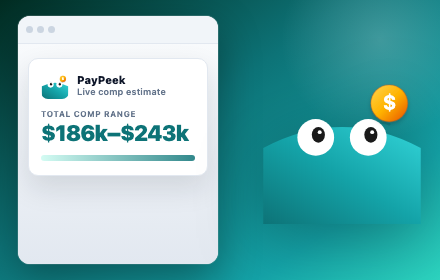
Small promotional tile
440 × 280 px (required)Designed for tiny thumbnails: mini product UI plus mascot so “salary range” reads before the click. Saturated teal, full bleed—matches Google’s promo guidance for contrast on gray store chrome.
Download PNG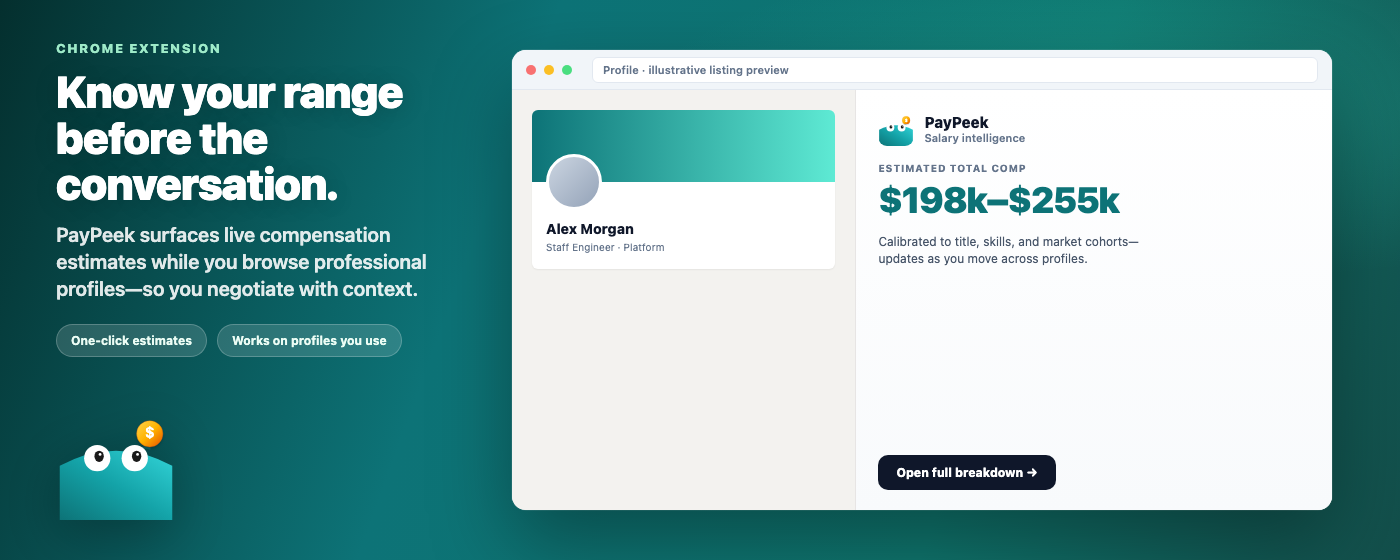
Marquee promotional tile
1400 × 560 px (optional, for featuring)Outcome-led headline + live mock of profile + PayPeek panel. Marquee is your only chance to sell the workflow—lead with the negotiation benefit, then show the UI proof.
Download PNGScreenshots (up to 5 in the dashboard — use your strongest first)
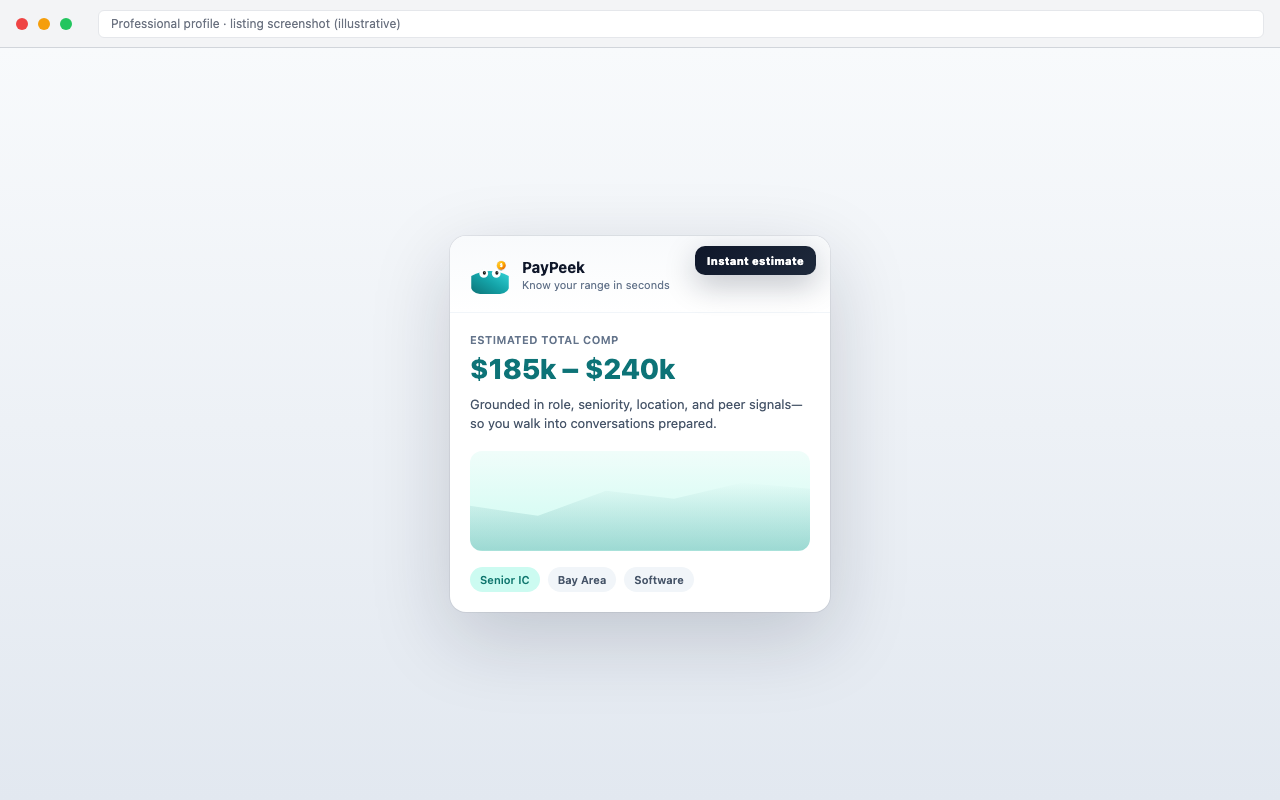
Screenshot: instant popup estimate
1280 × 800 pxFirst screenshot should answer “what do I get?” in 2 seconds: big comp band, credibility line, role/geo chips—reduces bounce from the listing carousel.
Download PNG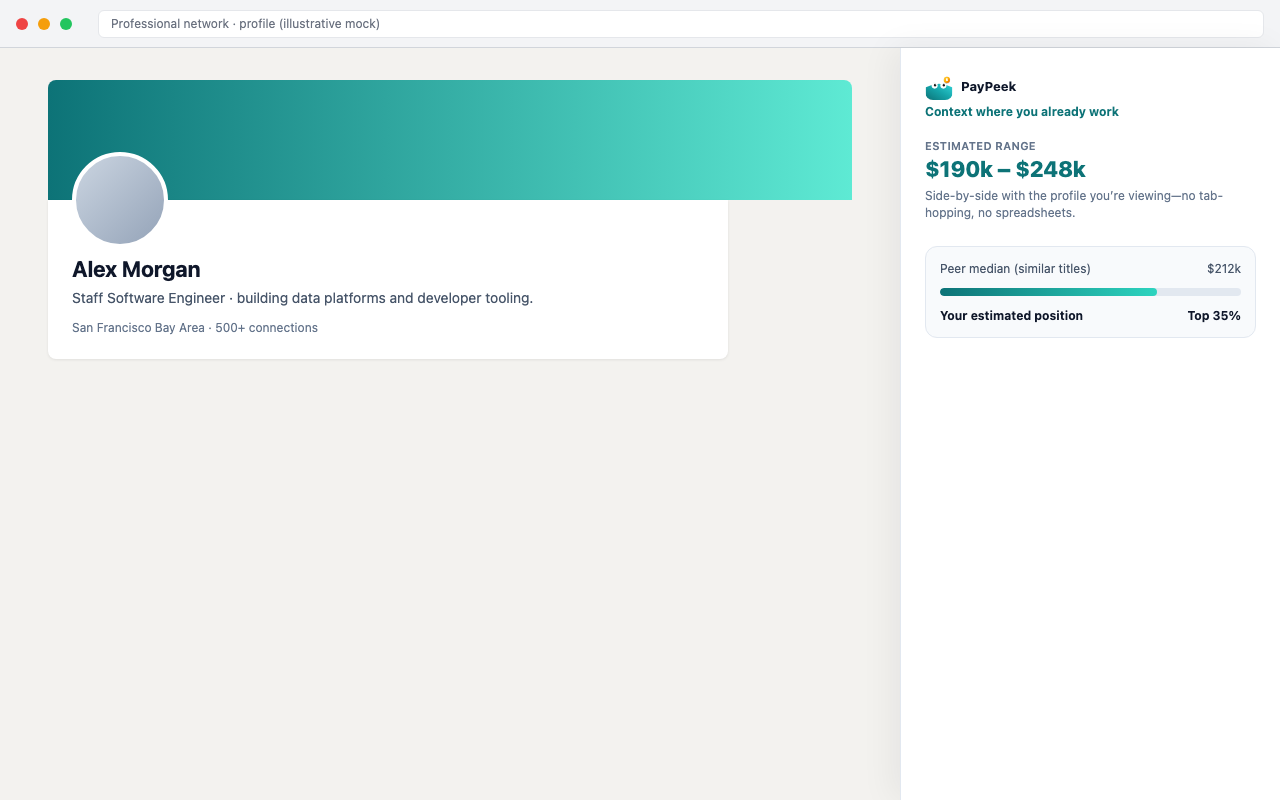
Screenshot: in-context panel
1280 × 800 pxShows the extension beside a profile—removes “another tab to manage” objection and helps visitors imagine daily use.
Download PNG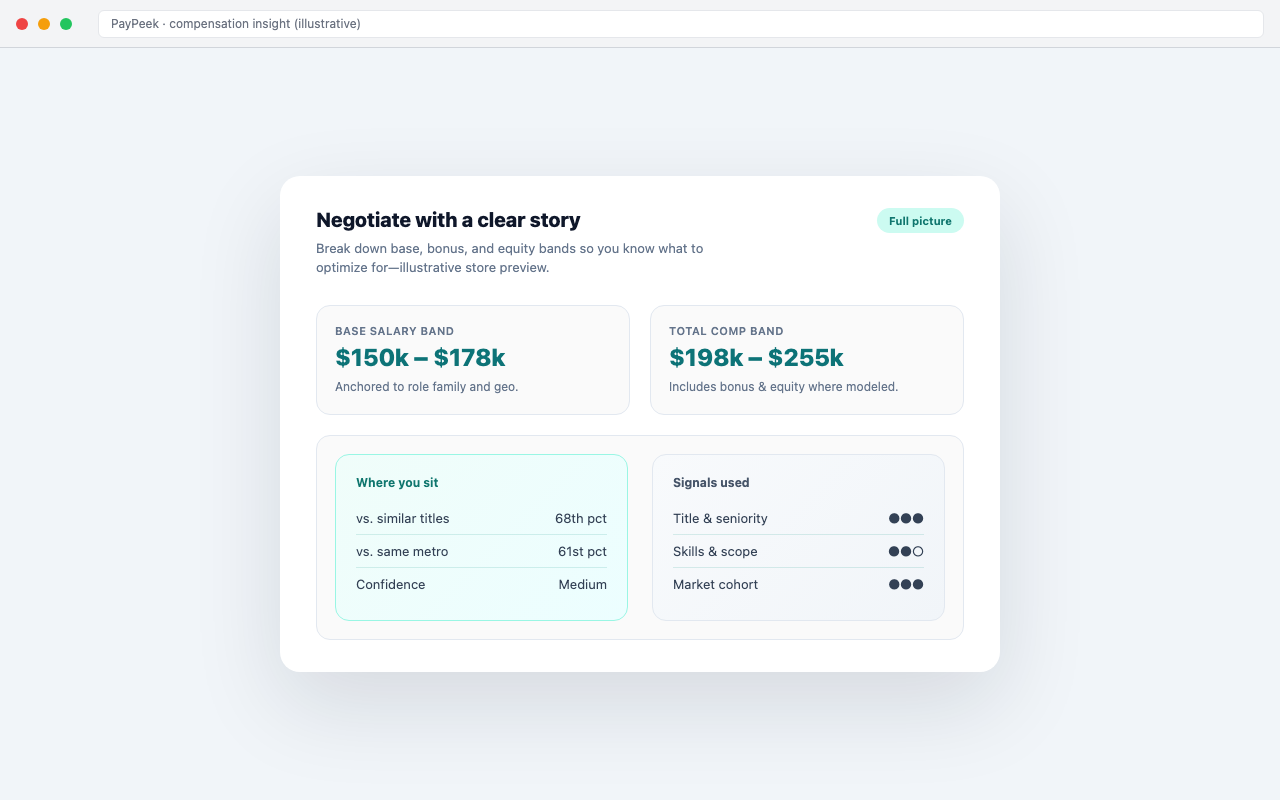
Screenshot: negotiation story
1280 × 800 pxDepth screenshot for high-intent users comparing tools—surfaces bands, percentiles, and “signals used” to support trust.
Download PNG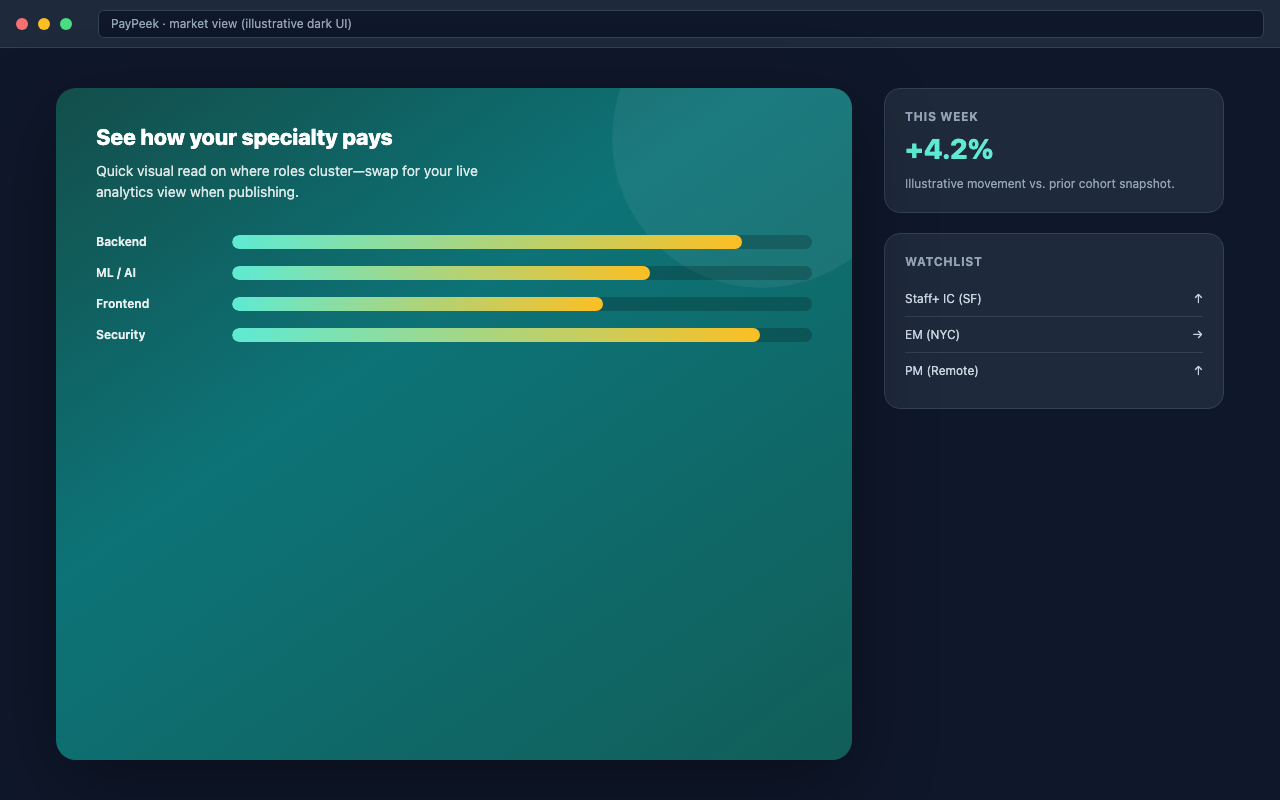
Screenshot: market lens
1280 × 800 pxDark, chart-forward frame for variety in the gallery; breaks visual monotony so each slide registers as a new reason to install.
Download PNG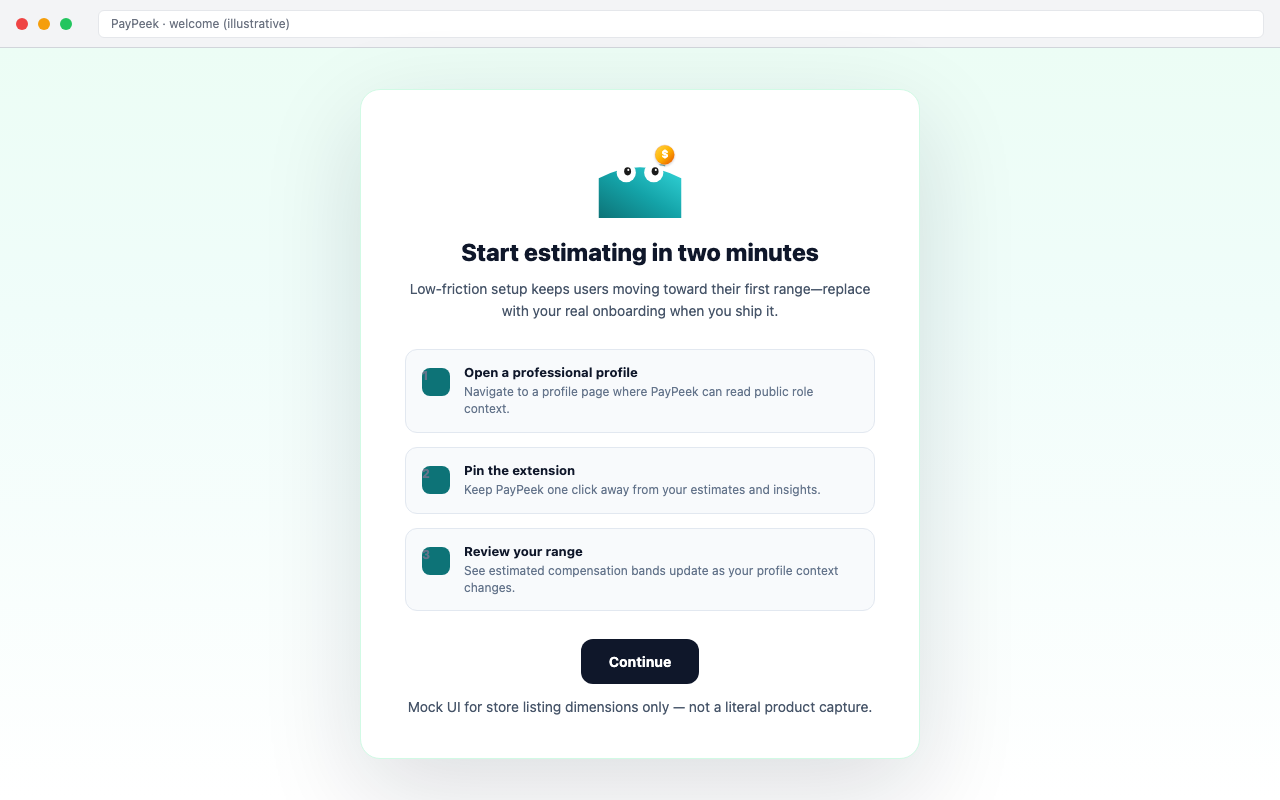
Screenshot: fast setup
1280 × 800 pxCloses with friction copy—numbered steps + primary CTA—to lift install completion for users who fear a long setup.
Download PNGIcon reference

Store icon reference (128)
128 × 128 px · 96 px artwork + paddingMatches Chrome’s safe-area guidance for toolbar parity; ship the real icon in your extension ZIP—use this to align art with listing thumbnails.
Download PNGSocial media banners
Cover images for LinkedIn and X (Twitter) profiles, sized to each platform's current spec. Keep key visuals inside the safe zone — profile avatars, name overlays, and mobile crops can clip edges. Place assets in public/social-banners/ to make previews and downloads work.
LinkedIn banners
Personal profile banner (1584 × 396 px) and company page cover (1128 × 191 px). LinkedIn recommends PNG or JPG under 8 MB.
 LinkedIn
LinkedIn personal profile banner
1584 × 396 pxFills the full-bleed header on personal profiles. Keep key visuals in the center 1200 × 396 safe zone—profile photo and text overlay clip ~192 px from each side on smaller viewports.
Download PNG LinkedIn
LinkedIn company page cover
1128 × 191 pxUltra-wide aspect ratio (≈ 5.9:1). Logo and tagline centered; avoid bottom-left where the company avatar sits. Renders at roughly half height on mobile, so large type and simple composition work best.
Download PNGX (Twitter) banner
Header photo at 1500 × 500 px (3:1 aspect ratio). PNG or JPG, max 5 MB. The profile avatar overlaps the bottom-left corner on desktop.
 𝕏
𝕏X (Twitter) header photo
1500 × 500 px3:1 aspect ratio displayed across web and mobile. The profile avatar overlaps the bottom-left corner, so anchor branding toward the center or right. File size must stay under 5 MB (PNG or JPG).
Download PNG